Word Connect3.0
Publisher Description
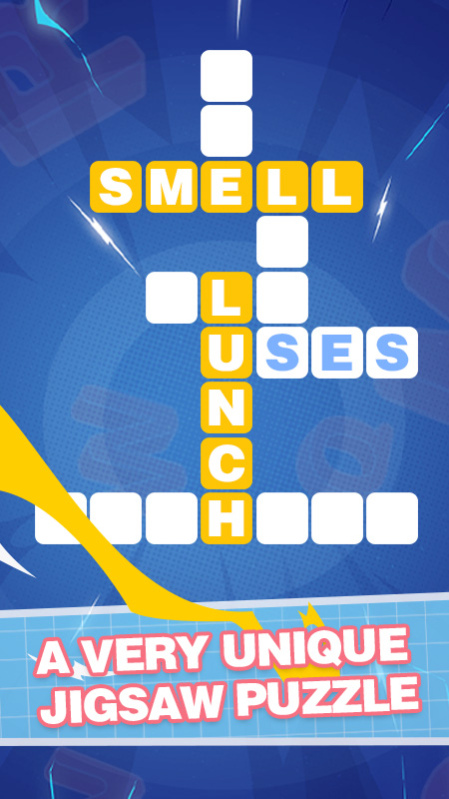
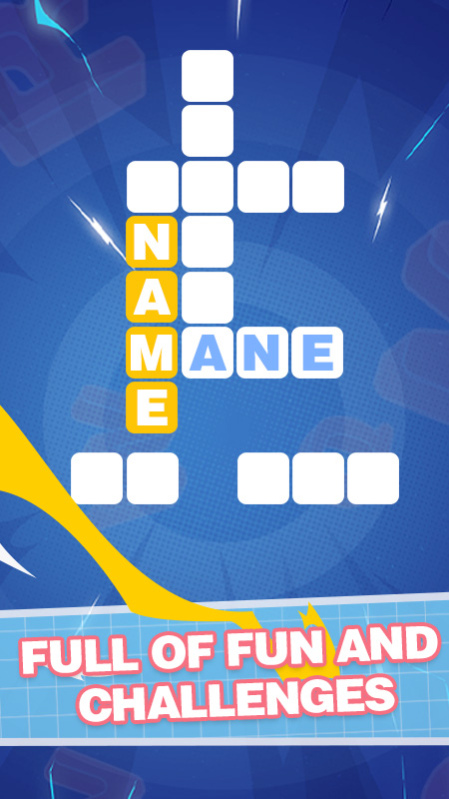

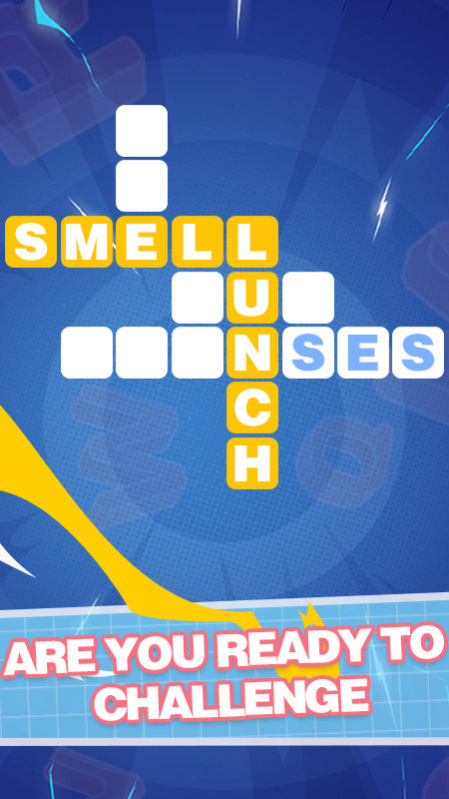
Welcome to Word Connect! In this fantastic crossword game, you will improve your vocabulary and spelling skills at the same time you travel around the world discovering the hidden secrets of the 7 wonders and also incredible cities.
In Word Connect you will start with few letters as an unique clue, you will have to test your brain to write and create new words from scratch and connect all of them to get the final crossword solution. Will you master this vocabulary game? Sometimes you will have the solution clear in your head, but sometimes you will have to guess the solution as there won't be more words to connect. This game is a perfect entertainment tool to improve and develop your searching, writing, and solving problem skills.
Puzzle by puzzle you will travel around the world while solving every crossword and every challenge that may arise. Connect letters to get the final solution and travel to a new country! Is there any better than discovering the world while learning new words and improving your vocabulary?
What strategy will you use? To solve the puzzle at a first sight by guessing or maybe by finding one word at a time? What will be the next city to quit from your bucket list? In this amazing crossword game, you will visit all of them!
About Word Connect
The company that develops Word Connect is Jinke. The latest version released by its developer is 3.0.
To install Word Connect on your Huawei device, just click the green Continue To App button above to start the installation process. The app is listed on our website since 2023-02-27 and was downloaded 4 times. We have already checked if the download link is safe, however for your own protection we recommend that you scan the downloaded app with your antivirus. Your antivirus may detect the Word Connect as malware as malware if the download link to C107576077 is broken.
How to install Word Connect on your Huawei device:
- Click on the Continue To App button on our website. This will redirect you to Huawei Store.
- Once the Word Connect is shown in the Huawei Store listing of your Huawei device, you can start its download and installation. Tap on the Install button located below the search bar and to the right of the app icon.
- A pop-up window with the permissions required by Word Connect will be shown. Click on Accept to continue the process.
- Word Connect will be downloaded onto your device, displaying a progress. Once the download completes, the installation will start and you'll get a notification after the installation is finished.
